



FrappeXL (Excel View)
FrappeXL Excel View is a powerful spreadsheet interface for Frappe and ERPNext, enabling real-time ERP analytics, live DocType data access, and seamless data management without exports.
Full Spreadsheet Experience
Native spreadsheet UI embedded inside Frappe.
Live ERP Data & Formulas
Real-time DocType-aware analysis without exports.
Write-Back to DocTypes
Update records directly from the spreadsheet grid.
Every Frappe User Eventually Opens Excel
The workflow is painfully familiar - export data, analyse it in a spreadsheet, then re-import the results. By the time your report is finished, the underlying data has already changed. And every new analysis request means another developer script.
Export -> Analyse -> Re-import
A repetitive, error-prone cycle that breaks data integrity and wastes developer time.
Stale Reports
Reports are out of date before they are even shared. Live decisions are made on static snapshots.
Developer Bottleneck
Every custom analysis request lands back on the developer. Business users stay blocked.
What is FrappeXL?
Excel View brings a full spreadsheet experience directly into Frappe — live ERP data, real-time formulas, and direct write-back to DocTypes. No exports required, no context switching, no stale data.
Full Spreadsheet Experience
A native, familiar grid interface embedded inside the Frappe UI - users feel right at home without learning new tools.
Live ERP Data & Formulas
Formulas execute server-side against real-time DocType data. What you see is always current - no refresh, no export.
Write-Back to DocTypes
Edit cells and push changes directly back to Frappe DocTypes. Works on vanilla Frappe and ERPNext out of the box.
FrappeXL a view


3 Demos Today
We'll walk through three core capabilities of Excel View, each showcasing a different dimension of what becomes possible when your spreadsheet lives inside your ERP.
📥 Bulk Import
Smart dependency-aware CSV import that automatically resolves and creates related DocTypes in the correct order — one CSV, six levels, one click.
🔍 Smart Lookup
ERP-native formulas built directly into your spreadsheet. Query GL balances, stock quantities, item prices, and any DocType field — all server-side.
📊 Visual Report Builder
Drag-and-drop SQL report construction with no code required. Powered by DuckDB WASM entirely in the browser — zero server load.
Architecture That Stays Resilient
DuckDB WASM -> JS fallback, permission enforcement at ORM layer, and TTL-based session cleanup ensure graceful degradation and security at every level.
DuckDB WASM for In-Browser Analytics
Running DuckDB via WebAssembly eliminates server round-trips for pivot and aggregate queries. The JS fallback ensures compatibility across all browsers, making analytics resilient without sacrificing performance in modern environments.
HyperFormula + FormulaBridge Separation
Decoupling the formula engine (HyperFormula) from the grid UI (Handsontable) via FormulaBridge allows either component to be upgraded independently. FRAPPE_* functions extend HyperFormula without modifying its core.
Permission Enforcement at ORM Layer
frappe.has_permission() is called inside ORM methods, not at the API boundary - every data access is permission-checked regardless of which code path triggered it, providing defense in depth.
Shared sql_generator.js AST
The same SQL AST -> query generator is used by both the client-side PivotBuilder and the server-side GenBI pipeline, ensuring semantic consistency and reducing maintenance surface area.
Redis for Ephemeral GenBI State
Conversation context is stored in Redis (fast, TTL-expiring) rather than MariaDB, keeping the relational store clean and making GenBI sessions self-expiring without manual cleanup logic.
How the core Grid Engine is working:
Our team combines deep technical expertise with real-world industry experience to deliver robust ERPNext implementations. We ensure seamless deployment, flexible customization, and smooth integrations—fully aligned with your business needs.
Handsontable 6.x
The primary spreadsheet UI. Renders the cell grid, handles keyboard navigation, selection, copy/paste, and cell editing events. Acts as the visual surface for all user input.
FormulaBridge
The critical wiring layer between Handsontable and HyperFormula. Syncs cell data bidirectionally — HOT changes trigger HF evaluation and HF results flow back into HOT cells.
HyperFormula
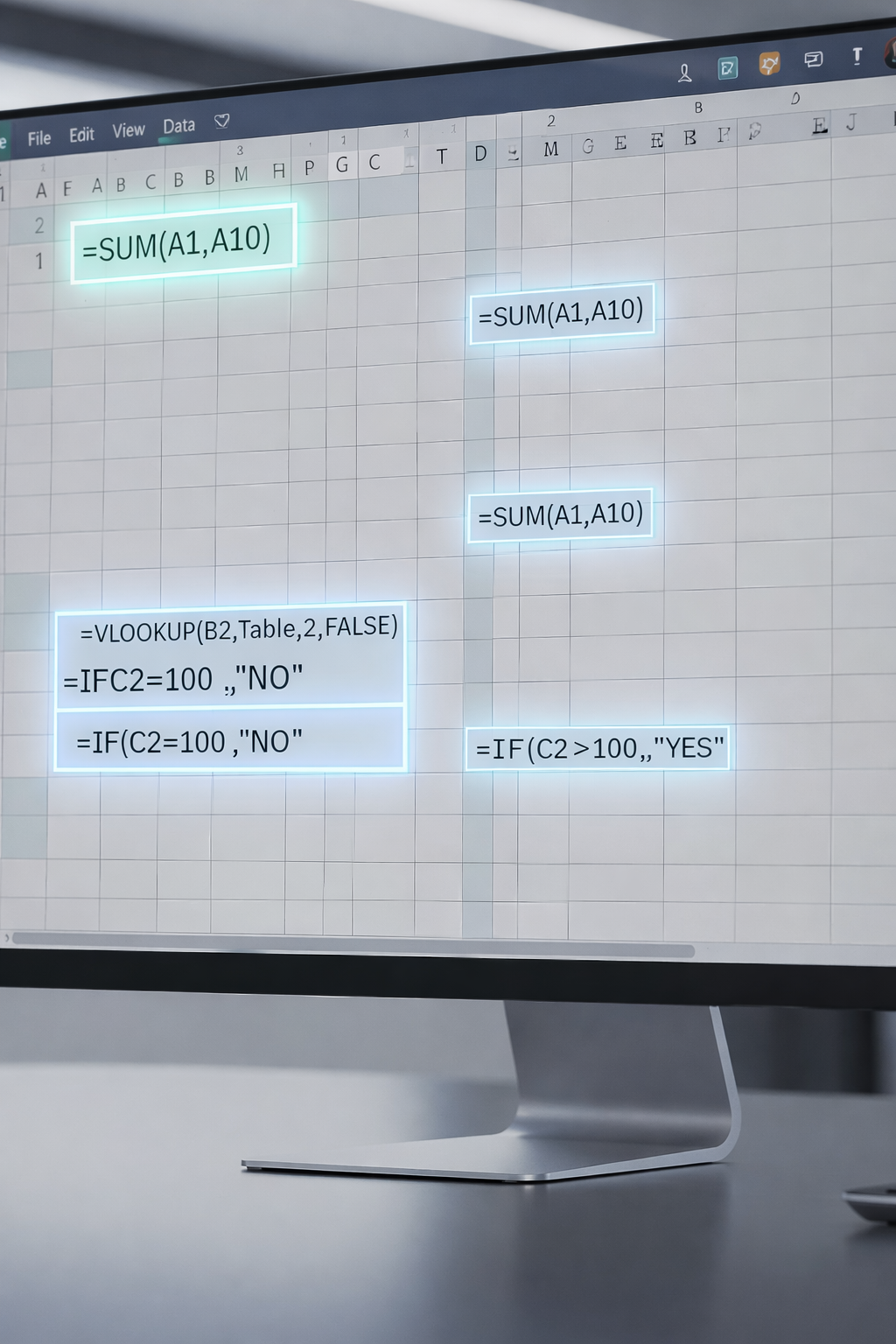
The in-browser formula engine. Handles =SUM, =IF, =VLOOKUP, and hundreds of standard spreadsheet functions — all computed locally in the browser at high speed.
frappe_formula_plugin
Extends HyperFormula with custom functions: FRAPPE_GET, FRAPPE_SUM, FRAPPE_COUNT, GL_BALANCE, STOCK_QTY, ITEM_PRICE — each calling the backend asynchronously via frappe.call.

Analytics Layer — Pivot, SQL & Charts
Our team combines deep technical expertise with real-world industry experience to deliver robust ERPNext implementations. We ensure seamless deployment, flexible customization, and smooth integrations—fully aligned with your business needs.
PivotBuilder
Accepts user pivot configuration (Group By fields, aggregates) from the Toolbar and constructs a SQL Abstract Syntax Tree (AST). Passes the AST to sql_generator.js for rendering.
sql_generator.js
Transforms the AST into a valid SQL string. The same generator is reused in the GenBI backend pipeline, ensuring consistent query semantics between client and server.
DuckDB WASM
Runs the generated SQL query entirely in-browser using @duckdb/duckdb-wasm. No server round-trip needed for analytical queries — sub-second results for typical datasets.
JS Fallback
If DuckDB WASM initialization fails (browser incompatibility, memory limits), the system falls back to plain JavaScript array iteration to compute GROUP BY aggregates.
PlotEngine + DashboardManager
PlotEngine renders results using Frappe Charts. DashboardManager arranges multiple chart widgets in a draggable dashboard layout for multi-metric views.
Collaboration Layer - Real-Time Canvas Sync
CollabDialog & CollabSidebar
UI components that allow users to join a shared canvas session, see active collaborators, and view live cursors/edits. The sidebar displays session participants and their current selection state.
Socket.IO Client <-> Server
The client emits three key events:
canvas:join- subscribes to a collaboration roomcanvas:update- broadcasts a cell change delta to all room memberscanvas:leave- unsubscribes and cleans up presence state
The Node.js Socket.IO server (via canvas_collab.js) routes messages to room members and calls canvas_session_realtime.py to persist session state to the CanvasSession DocType in MariaDB.
Export Manager & Field Picker
This module provides powerful tools for selecting, organizing, and exporting data with precision and flexibility. It empowers users to define exactly what data they need and how they want to extract it.
ExportManager
Triggered from the Toolbar, ExportManager supports two output formats: XLSX (via the tree_export RPC defined in tree_import.py) and CSV (client-side generation). The XLSX export routes through frappe.call → A4 and uses Frappe's ORM to pull structured data before serializing.
FieldPicker, CFManager & QueryFlowPanel
FieldPicker fetches DocType field metadata via get_meta RPC and lets users select which fields to display in the grid. CFManager manages conditional formatting rules stored client-side. QueryFlowPanel provides a visual query builder interface that feeds field selections into the DataManager and Analytics layers.
Frappe ORM & Security
frappe.has_permission()
Every frappe.get_list() and frappe.get_meta() call passes through the Frappe permission engine. Access is validated against the current user's roles and DocType-level permissions before any data is returned or modified. This is enforced at the ORM layer, not the API layer — providing defense in depth.
frappe.get_list()
FieldPicker fetches DocType The primary ORM query method used by API groups A1, A2, and A3. Accepts filters, fields, order_by, and limit parameters. Returns permission-filtered result sets from MariaDB.
frappe.get_meta()
Returns the full field schema for a DocType — field names, types, options, and link targets. Used by FieldPicker, DataManager, and the GenBI entity resolver.
End-to-End Data Flow — Full Request Lifecycle
This lifecycle demonstrates how a single custom formula touch point spans all five system layers — browser rendering, formula evaluation, async RPC, ORM permission check, and database query — completing in a single round-trip.

Summary & Takeaways
Built on a robust multi-layer browser architecture, this system combines a powerful grid engine, in-browser analytics, and real-time collaboration to deliver seamless data experiences.
Four Browser Layers
UI Shell → Grid Engine (HOT + HyperFormula) → Analytics (DuckDB WASM) → Collaboration (Socket.IO)
Clean Backend Contracts
All RPCs are whitelisted in api.py All data access is ORM- mediated with permission checks.Four custom DocTypes cover all persistence needs.
AI-First Analytics
GenBI pipeline (6 stages, Redis-backed multi-turn) enables natural language queries over any Frappe DocType with LLM-generated narrative output.
Resilient by Design
DuckDB WASM → JS fallback, permission enforcement at ORM layer, and TTL-based session cleanup ensure graceful degradation and security at every level.

Install in 2 Commands
Excel View is fully open-source and runs entirely on-premise. No cloud dependency, no licensing fees, no data leaving your infrastructure. Compatible with vanilla Frappe and ERPNext.
bench get-app https://github.com/Ujjwal-Aggrawal2279/Frappe-Excel bench install-app excel_viewFully Open Source
MIT licensed. Fork it, extend it, contribute back. The entire codebase is available on GitHub.
Fully On-Premise
All data stays on your server. No external services, no telemetry, no surprises.
Star the repo: github.com/Ujjwal-Aggrawal2279/Frappe-Excel
Thank You!
We hope Excel View changes how your teams interact with Frappe data. We'd love your feedback, contributions, and questions.
Chinmay Kulkarni
chinmay@hybrowlabs.com
Hybrowlabs Technologies
Hybrowlabs Technologies
Ujjwal Aggrawal
Hybrowlabs Technologies
Hybrowlabs Technologies
The Project
github.com/Ujjwal-Aggrawal2279/Frappe-Excel
Issues, PRs, and stars welcome
Questions? Let's discuss. We're happy to go deeper on any of the three demos or the architecture behind Excel View.